
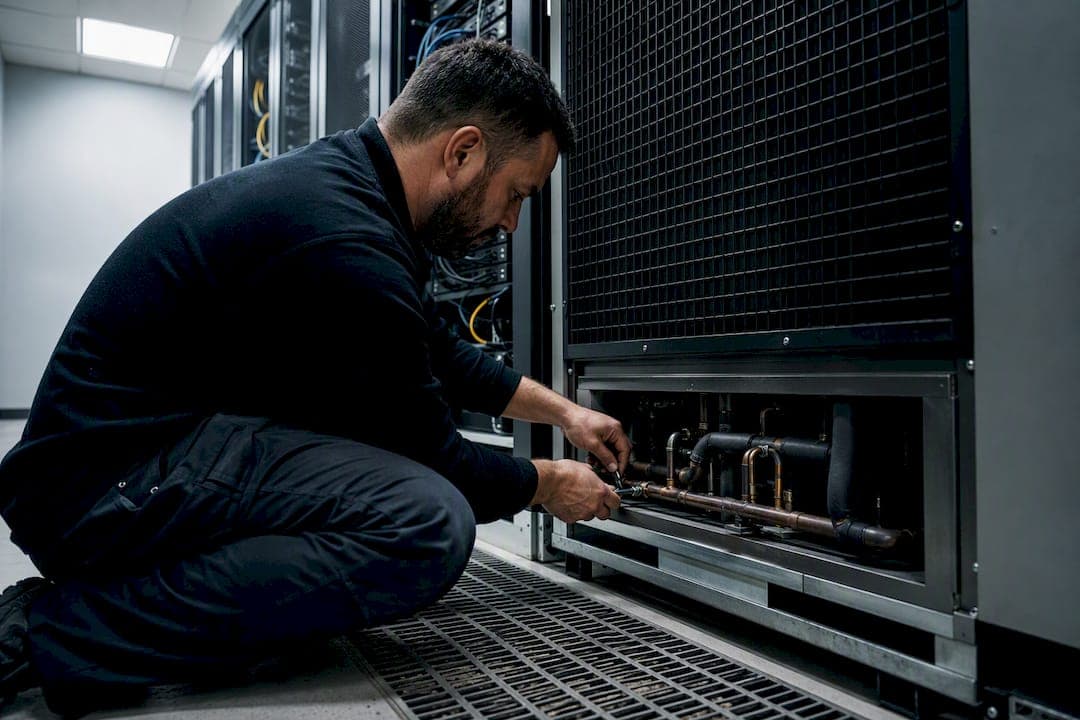
A server room needs a purpose-built, continuous-duty cooling installation, sized from measured IT load, not guesswork. Domestic-grade air conditioning cannot run 24/7 without early failure. ASHRAE TC 9.9 sets the intake air band at 18–27°C, with most operators targeting 20–25°C as a working buffer against sensor drift and load spikes. Before you go any further, check three things:
- Is the unit rated for continuous 24/7 commercial duty, not domestic comfort cooling?
- Are there temperature and humidity sensors at rack inlet level, not just on the wall?
- Is there N+1 redundancy, so one unit failing doesn't take the room down?
TL;DR:
- Proper sizing of cooling involves calculating actual IT load, adding margins for growth and ambient heat, then selecting a unit rated at or above this capacity.
- Continuous-duty precision cooling units are essential; mini-splits, rear-door heat exchangers, and spot coolers are suitable only for specific scenarios or emergencies.
- Sealing airflow gaps with blanking panels and placing sensors at rack inlet height are critical for maintaining optimal temperature and avoiding hot spots.
- Redundancy should be planned as N+1 or higher, with regular failover testing to ensure cooling reliability during unit failures or maintenance.
- Use certified installers, verify airflow and temperature at rack level during commissioning, and avoid common oversights like undersized units or poor airflow management.
Table of Contents
- Server room air conditioning: types of system and when to choose each
- How do you calculate the cooling capacity you actually need?
- Getting airflow management right in the server room
- Building redundancy and monitoring into the cooling strategy
- What to insist on from your installation and maintenance provider
- Using portable and hire cooling as a temporary fix
- Why you can trust this installation guidance
- Installer perspective: quick checklist and common pitfalls
- Get server room air conditioning installed properly
- Key Takeaways
- Sources
Server room air conditioning: types of system and when to choose each
Room size, rack density and budget decide which cooling family fits. Get this wrong and you either overspend on capacity you'll never use or undersize a room that overheats the moment a new rack goes in.
Precision cooling (CRAC/CRAH units) remains the standard for dedicated server rooms of any real size. These units run continuously, provide tight humidity control and typically include built-in monitoring. If you're cooling a room rather than a cupboard, this is usually the starting point.
Commercial mini-split systems can work for small server rooms and edge deployments, but only the commercial-grade, continuous-duty variants. Engineering analysis of mini-split performance shows they can match precision cooling for smaller loads when properly sized and deployed in redundant pairs. The catch: most lack active humidification, so you may need a separate humidity control strategy alongside them.
In-row cooling and rear-door heat exchangers suit high-density racks, typically anything above 10 to 15kW per rack, where traditional room-based cooling can't move air fast enough to the equipment that needs it. Liquid-assisted rear-door units pull heat directly off the rack exhaust.
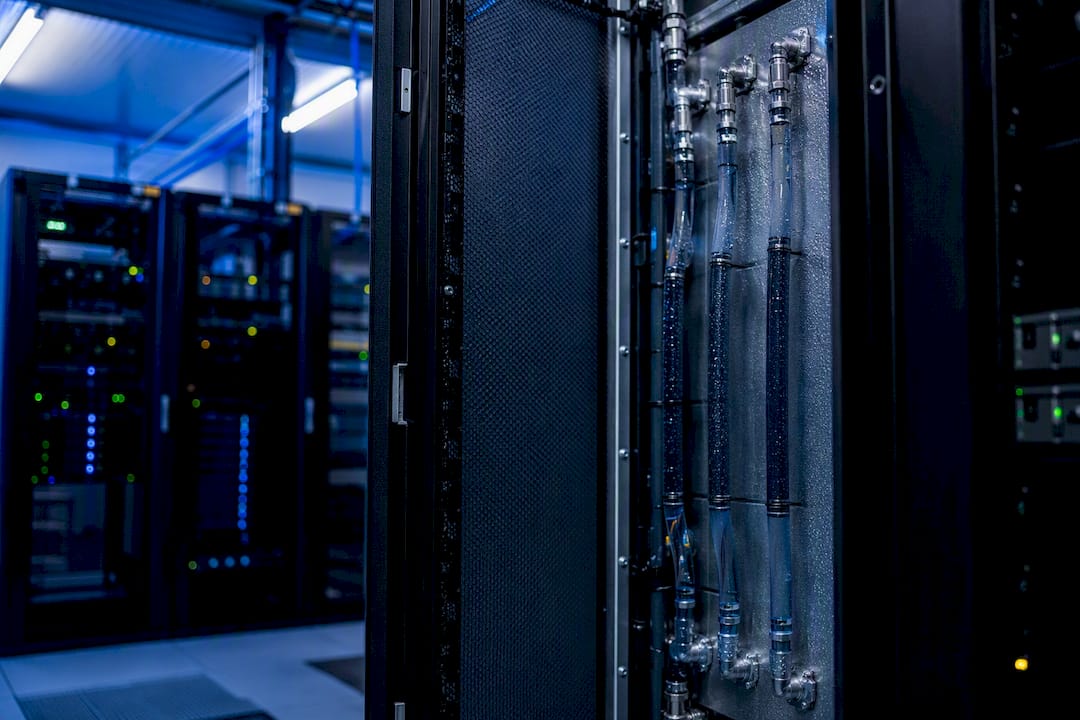
Spot and portable coolers are stopgaps, not solutions. Useful during a unit failure or a short-term capacity crunch, but not something to run a production server room on long-term.
How do you calculate the cooling capacity you actually need?
Every undersized installation traces back to the same mistake: sizing from nameplate wattage alone, with no allowance for real-world load or growth. Here's the process an installer should actually follow.
- Inventory the IT load. List nameplate watts for every server, switch and storage unit, then apply a realistic utilisation factor. Equipment rarely draws full nameplate power continuously.
- Add ancillary loads. Include UPS inefficiency losses, lighting, and any occupancy heat gain if the room is staffed even occasionally.
- Convert watts to BTU/h. Multiply total watts by 3.412 to get the cooling load in BTU/h.
- Apply safety and growth margins. Add roughly 10 to 15% for ambient heat gains through walls and ceiling, 6 to 10% for UPS losses, and a 20% margin for future equipment growth.
- Convert to unit capacity. Translate the final BTU/h figure into kW or tons of refrigeration to match against available equipment specifications.
TechTarget's worked example illustrates the scale of this uplift clearly: a room starting with a 12,036W measured IT load ends up needing an 18,054W planning figure once growth and ambient allowances are applied, roughly a 20% increase over the raw number. Skip that step and you'll be back within eighteen months asking why the room runs hot every summer afternoon.
Once you have your target capacity, plan redundancy on top of it, not instead of it. If your calculated need is 15kW, don't install a single 15kW unit. Install two units each rated at 15kW (N+1), so either can run alone during a failure or scheduled service. For rooms supporting genuinely critical operations, some facility managers go further and specify 2N, doubling capacity entirely for simultaneous independent cooling paths.
Getting airflow management right in the server room
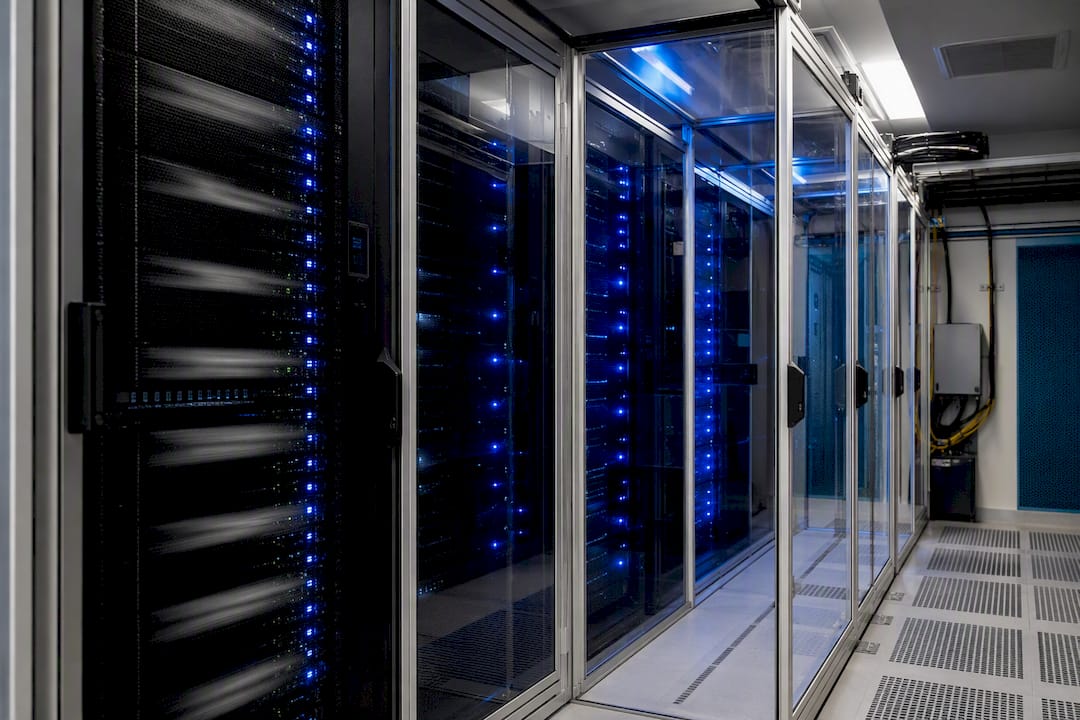
Buying the right tonnage of cooling means nothing if the cold air never reaches the equipment that needs it. This is where most server rooms actually lose efficiency.
Hot-aisle/cold-aisle orientation is the foundation. Racks face intake to intake and exhaust to exhaust, so cold supply air feeds the front of the racks while hot exhaust collects separately for return to the cooling unit. Raised-floor rooms deliver this cold air from below through perforated tiles; slab-floor rooms rely on overhead ducting or in-row units instead. Neither is inherently better. It depends on the building.
The usual leakage culprits are boring but costly:
- Open cable cutouts in raised floors, letting cold air escape before it reaches equipment
- Gaps in rack rows without blanking panels, allowing hot exhaust to recirculate back into intakes
- Poorly sealed cable penetrations through walls or floors between the server room and adjacent spaces
Brush grommets and blanking panels fix most of this for a modest outlay, and ASHRAE's guidance on containment is clear that sealing these gaps has a measurable effect on recirculation and hidden hot spots. Sensors belong at rack inlet height, not on a wall six feet away. A sensible sampling density is one sensor per rack row at mid-height, giving you visibility of exactly what the equipment is experiencing rather than what the room average suggests.
Pro Tip: A wall-mounted thermostat reading 22°C tells you nothing about the 34°C intake temperature at the top of a fully loaded rack three metres away. Always trust rack-level readings over room averages.
Full containment, physically enclosing the cold aisle, is worth the investment once rack density climbs or when you want to exploit economisation (using outside air to cool the space) without risking condensation from humidity swings.
Building redundancy and monitoring into the cooling strategy
Redundancy decisions should track how much downtime the business can actually tolerate, not follow a generic industry rule of thumb.
- N+1 suits most standard server rooms: one spare unit beyond calculated need, enough to cover a single failure or planned maintenance window.
- 2N suits genuinely critical environments, healthcare records, financial transaction processing, anywhere an hour of downtime is expensive or dangerous, doubling capacity for full independent redundancy.
- Monitoring essentials include rack inlet temperature and humidity sensors, smoke and leak detection, and integration with a building management system (BMS) or SNMP alerting so faults reach someone before the room overheats.
- Controls matter as much as hardware. Variable-speed drives on supply fans let cooling output track actual IT load rather than running at fixed capacity regardless of demand, cutting energy use during quieter periods.
Test failover on a schedule, not just when something breaks. A backup unit that hasn't run in eight months is a gamble, not a safety net.
What to insist on from your installation and maintenance provider
Commercial-grade, continuous-duty units are non-negotiable for server room work. Comfort air conditioners built for domestic living rooms have different duty cycles and weaker humidity control, and they tend to fail early under constant server-room running.
Insist on the following before signing off any installation:
- Commissioning that verifies airflow and temperature at rack inlets, not just at the unit itself
- F-Gas / REFCOM certified engineers handling any refrigerant work, with documented leak checks
- Full handover documentation: sensor readouts, wiring and power provisioning checks, and condensate routing confirmed as clear
- A planned service maintenance schedule covering filters, coils, refrigerant levels and emergency response
Pro Tip: Ask for transient load testing during commissioning, not just a steady-state reading. A cooling system that copes fine at idle can still buckle when every server spins up simultaneously after a reboot.
Using portable and hire cooling as a temporary fix
Spot coolers and hire units earn their place during emergencies. A dead precision unit on a Friday afternoon shouldn't mean a weekend of thermal shutdowns while you wait for parts.
- Size portable units to the room's realistic heat load, and position them so exhaust ducting doesn't dump warm air back near the intakes it's meant to be cooling
- Expect weaker humidity control, more noise, and a genuine electrical supply requirement, portable units still need proper circuits, not an extension lead from the corridor
- Hire providers commonly supply these units quickly for emergency or supplemental use, but check power availability, hose routing and condensate disposal on delivery
- Treat a single hired unit as one point of failure. Where possible, arrange two smaller units rather than one large one
Why you can trust this installation guidance
Frost Air Conditioning installs and services server room cooling across the South West, with F-Gas certified engineers, same-day installation availability and 0% finance on qualifying projects. This guidance is written by James, drawing on the practical commissioning workflows used on real installations.
- F-Gas / REFCOM certified engineers for all refrigerant handling
- Same-day installation available for urgent replacement or emergency capacity
- 0% finance options for planned upgrades and new installations
- Ongoing service maintenance contracts covering filters, refrigerant checks and emergency response
Installer perspective: quick checklist and common pitfalls
The mistakes that cause server room overheating are rarely dramatic. They're small oversights compounding quietly for months.
Before signing off any installation, verify inlet temperatures at multiple racks, not just one central point. Test the backup unit's failover under load, not on paper. Seal every cable penetration, and confirm condensate routing actually drains where it's meant to.
The pitfall I see most often is sizing from nameplate wattage with no utilisation factor applied, which routinely overestimates load and leads facility managers to buy less capacity than they need once real growth arrives. A close second is airflow sealing treated as an afterthought once the units are already running. Redundancy, too, tends to get planned as a budget line to cut rather than a genuine operational requirement. Fix those three and most server room cooling failures simply don't happen.
— James
Get server room air conditioning installed properly
There are other routes here, a domestic comfort unit stretched beyond its duty cycle, a portable cooler left running permanently, a DIY mini-split with no redundancy plan, but none of them hold up under continuous server-room demand. Frost Air Conditioning installs commercial-grade, continuous-duty systems sized from your actual measured IT load, not a rough guess, with F-Gas certified engineers handling every refrigerant connection.

Same-day installation is available where the site survey confirms it's feasible, and 0% finance spreads the cost of a proper commercial installation rather than forcing a compromise on capacity to fit a smaller budget. Whether you're fitting out a new server room or replacing equipment that's been running hot for too long, Frost Air Conditioning's domestic and commercial installation service covers the full job, from load calculation through to commissioning documentation. If you're planning a wider refit alongside the cooling work, the shop fitting service can handle both together. Request a site survey and quote to get a proper sizing calculation for your room, rather than another rough estimate.
Key Takeaways
Reliable server room cooling depends on sizing from measured IT load, maintaining ASHRAE recommended intake air conditions, sealing airflow leaks, and building in redundancy with rack-level monitoring.
| Point | Details |
|---|---|
| Size from real load | Calculate watts, convert to BTU/h at 3.412, then add ambient, UPS and growth margins before choosing unit capacity. |
| Keep intake within range | Target 20–25°C within ASHRAE's 18–27°C band as an operational buffer. |
| Seal airflow gaps | Blanking panels and grommets on cable cutouts stop hot exhaust recirculating into cold intakes. |
| Build in redundancy | Plan N+1 redundancy as standard, with higher redundancy levels used for critical operations, with regular failover testing. |
| Work with certified installers | Frost Air Conditioning provides F-Gas certified installation, same-day fitting and 0% finance for continuous-duty server room systems. |
Sources
- How to calculate data center cooling requirements | TechTarget
- Hvac
- Data Center Cooling: Cooling a Server Room - Sunbelt Rentals